Home / Platform / Fleet Centrl
Fleet & lifecycle

Track vehicle use
and maintenance.

Fleet Centrl manages every record your public-works fleet needs — vehicle info, inventory, purchase orders, work orders, inspections. It's the combination of asset tracking and work orders your shop has been duct-taping together, configurable to how your department actually runs.

Illustrative example
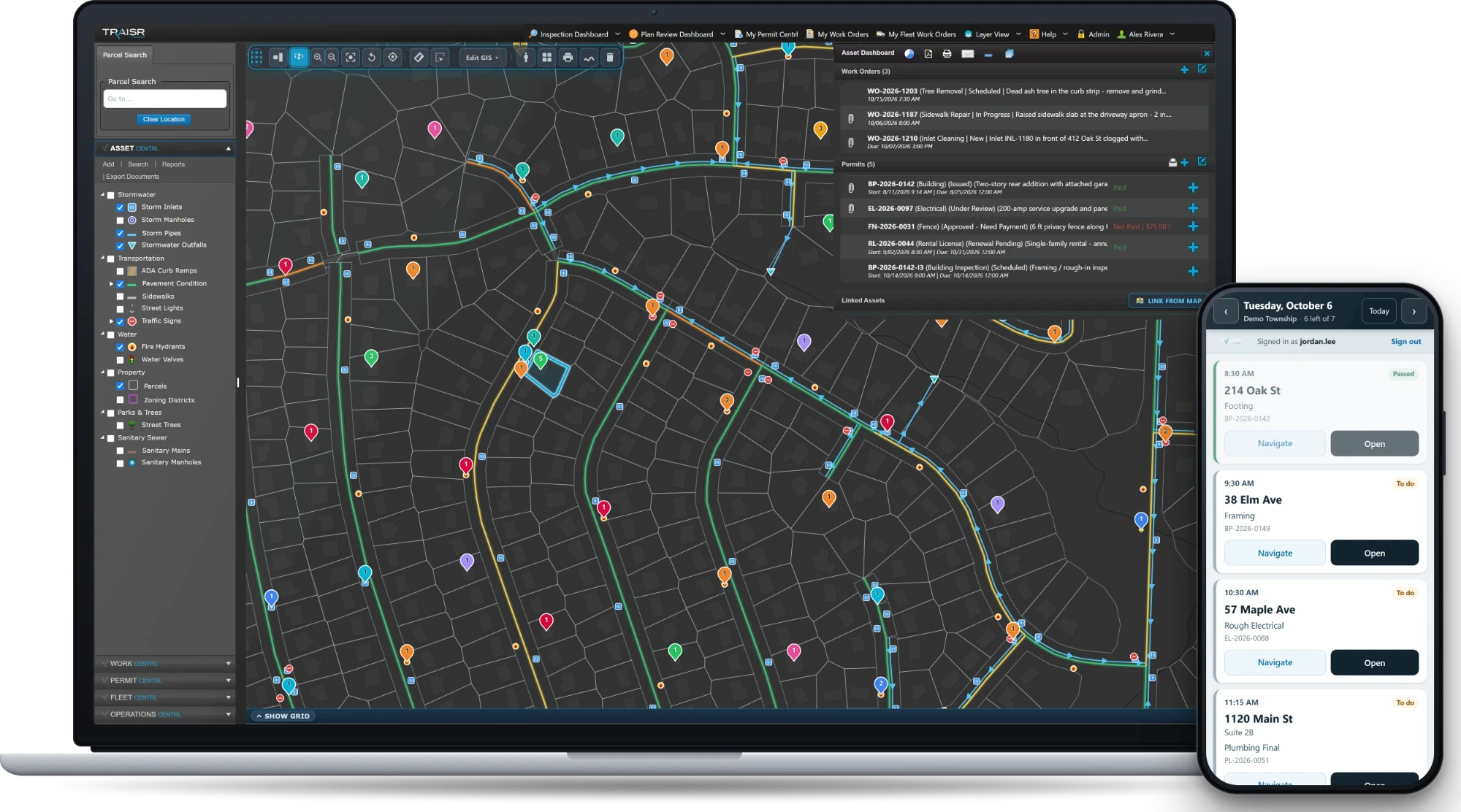
Fleet Centrl add-vehicle panel over the municipal GIS map — illustrative example.
Vehicles Parts Purchase orders Work orders Inspections Fuel
— What it does

Asset tracking and work orders, fused for the shop.

Fleet Centrl isn't a vehicle log glued onto a maintenance app. It's one record that handles the lifecycle — spec, purchase, fuel, service, repair, retire — with the same data model your asset team already uses.

Vehicle information

VIN, year, make, model, class, plate, registration, insurance, assigned operator. Configurable for the fields your shop actually tracks — not a fixed schema.

Parts inventory

Track parts on the shelf, parts on the truck, parts on order. Auto-decrement on work-order consumption. Reorder alerts when stock crosses your threshold.

Purchase orders

PO creation, vendor lookup, approval routing, receipt confirmation. Each PO ties back to the vehicle it served, building an auditable cost trail.

Work orders

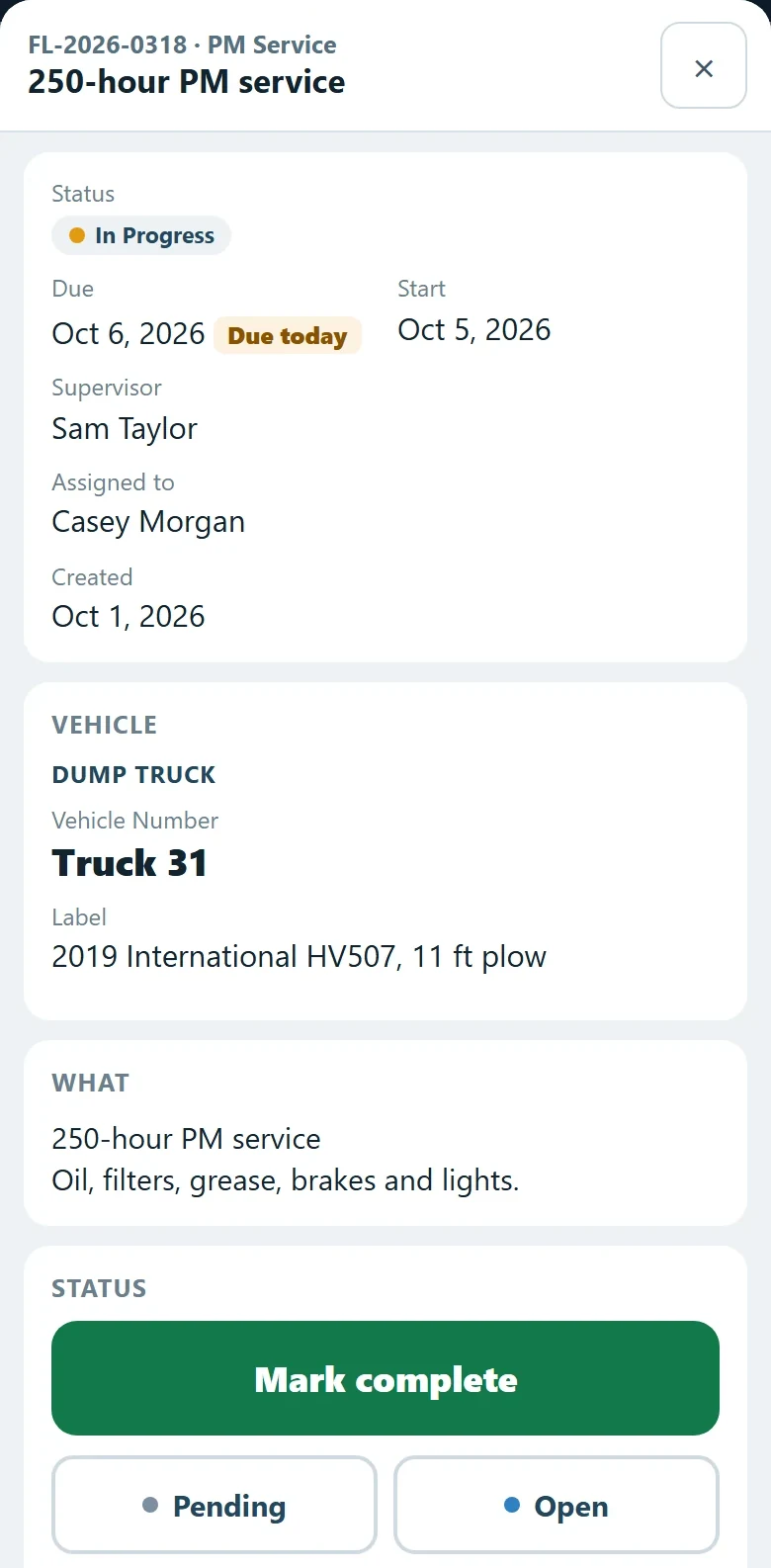
Repairs, scheduled maintenance, road calls. Labor cost + parts cost + downtime — rolled up to the vehicle, the operator, the route, the budget.

Inspections

DOT, pre-trip, post-trip, annual safety. Forms configured to your shop's checklists, completed on a phone, signed off and time-stamped.

Fuel-system integration

FuelMaster and Gasboy out of the box. Fuel events sync to the vehicle record — gallons, mileage, cost per mile, mpg trend — without anyone touching a spreadsheet.

— The fuel-system flow

Fuel pumped. Mileage logged. Cost per mile, automatic.

FuelMaster and Gasboy push every fuel event to Fleet Centrl — gallons dispensed, odometer reading, driver ID. The record updates the vehicle's lifetime cost-per-mile, flags suspicious mpg deltas, and feeds straight into your budget reports.

Fuel event captured

FuelMaster or Gasboy logs the dispense. Driver ID + vehicle ID + gallons + odometer pushed to Fleet Centrl in real time.

MPG trended

Each fill computes mpg, compares to the vehicle's running average, and flags deltas > 20% — sensor issue, leak, or driver behavior.

Cost-per-mile rolled up

Lifetime fuel + labor + parts cost per mile per vehicle. Your finance director's favorite metric, no spreadsheet macros required.

Service triggers

Hit the configured interval — mileage, hours, or calendar — and the system auto-creates the next work order. Driver sees it on their next pre-trip.

— Features

The list your mechanic reaches for.

Every vehicle, every fuel event, every PM cycle, every DOT form — on one record. The cost-per-mile your accountant builds in Excel every month, generated automatically from the same data your mechanic logs in the bay.

01

Vendor tracking

Vendor master list with W-9, insurance docs, performance history. Every PO and WO ties to a vendor — you know who you spend with and how reliable they are.

02

Fuel-system integration

FuelMaster and Gasboy out of the box. Every dispense becomes a fuel event on the vehicle record — gallons, odometer, driver ID, cost — no manual entry, no monthly reconciliation. Pick your system; Fleet Centrl meets it where it lives.

03

Scheduled maintenance

Mileage, engine-hours, or calendar-based PM rules. Define once; the system schedules, dispatches, and closes the loop with the work order.

04

Labor + inventory cost rollup

Mechanic clocks hours to the WO. Parts pulled from inventory hit the WO. Total cost per repair, per vehicle, per year — rolled up cleanly.

05

DOT inspection forms

Pre-trip, post-trip, annual safety. Configurable to your shop's checklists, completed on a phone, time-stamped and signed off — audit-ready when the regulator asks.

06

Cross-platform, HTML5

Mechanic on a tablet in the bay. Driver on a phone in the cab. Foreman on twin monitors at the desk. Same data, same UI.

— Get started

Your whole fleet, off the spreadsheet.

Bring your vehicle list, your inventory sheet, and a recent fuel report. We'll show you how it works in a working sandbox and walk through the fuel-system integration.

No slides Just the product
Request a personalized demo
Request a demo